
HISD Volunteer Background Check: Steps, Timing and Fixes
Learn how to complete the HISD volunteer background check, from Raptor registration and ID rules to approval timing and common delays.
On this page
You've agreed to chaperone a field trip, help in a classroom, or mentor a student. The teacher has your name, you've set aside the time, and then someone asks whether your HISD volunteer background check is approved. Sending in the application isn't the same as being cleared to start.
The safest approach is to treat screening as part of scheduling, not as paperwork to finish on arrival. Keep your application confirmation, record when the campus verifies your identification, and make sure someone checks the actual approval before assigning you to students.
Table of Contents
- Who Must Complete the HISD Volunteer Check
- How to Register and Submit Your HISD Application
- Approval Timing and How to Clear a Stall
- Texas DPS Search Types for School Volunteers
- Decide If This Volunteer Can Start
Who Must Complete the HISD Volunteer Check
Who needs an HISD volunteer check
| Volunteer situation | Check required | Notes |
|---|---|---|
| Parent or guardian volunteering for their own child | Texas statutory exception | Confirm with the campus before assuming it applies |
| Grandparent volunteering for an enrolled child | Texas statutory exception | Confirm with the campus and keep the relationship on record |
| Field-trip chaperone with direct student contact | Required | Clearance must be complete before the trip |
| Mentor, tutor or classroom helper | Required | Annual check, prior approval does not carry over |
| Person accompanied by a district employee | Texas statutory exception | Exception is not proof of eligibility |
| Volunteer serving at a single school event | Texas statutory exception | Confirm event duration and campus access |
| Minister or community volunteer with ongoing contact | Required | Covered by the annual renewal |
| Volunteer monitored directly by district staff | Required per HISD policy text | Monitoring does not remove the requirement |
HISD's volunteering guidelines require criminal-history screening before service for volunteers with direct and extended contact with students, during or after school hours, whether district employees directly monitor them or not. The district names parents, mentors, tutors, ministers, classroom helpers, community volunteers, and field-trip chaperones among the people covered.
That broad wording matters. A teacher standing nearby doesn't, by itself, establish that you can skip screening under HISD's published policy.
Why an exception isn't automatic permission
Texas statutory exceptions describe circumstances in which a district isn't required to review criminal history. They don't certify that a person is eligible, and they shouldn't be treated as permission to bypass a campus's instructions.
This creates an understandable point of confusion: the exception for someone accompanied by an employee can appear to conflict with HISD's wording about directly monitored volunteers. Ask the campus to resolve that question for the actual assignment, rather than choosing whichever interpretation lets someone start sooner.
For example, a parent attending an isolated activity involving their enrolled child shouldn't assume that the same arrangement covers an ongoing classroom-helper role. Describe what you'll do, including whether you'll supervise other children or move between rooms.
Before contacting the campus, write down:
- Your role: Chaperone, tutor, classroom helper, or another specific assignment.
- Student contact: What you'll do with students and whether you'll ever be alone with them.
- Supervision: Which district employee will accompany or monitor you.
- Duration and access: Whether this is an isolated event or recurring service, and where you'll go.
Match that description to the table, then get campus confirmation if an exception might apply. Coordinators should record that confirmation alongside the assignment, not rely on a conversation remembered differently on event day.
How to Register and Submit Your HISD Application
Begin through HISD's Volunteers in Public Schools program, commonly called VIPS, using the Raptor Volunteer Management System. Don't substitute a background report you already have from an employer, church, or youth organization for the district's application.
Use the registration sequence below as a preparation checklist.
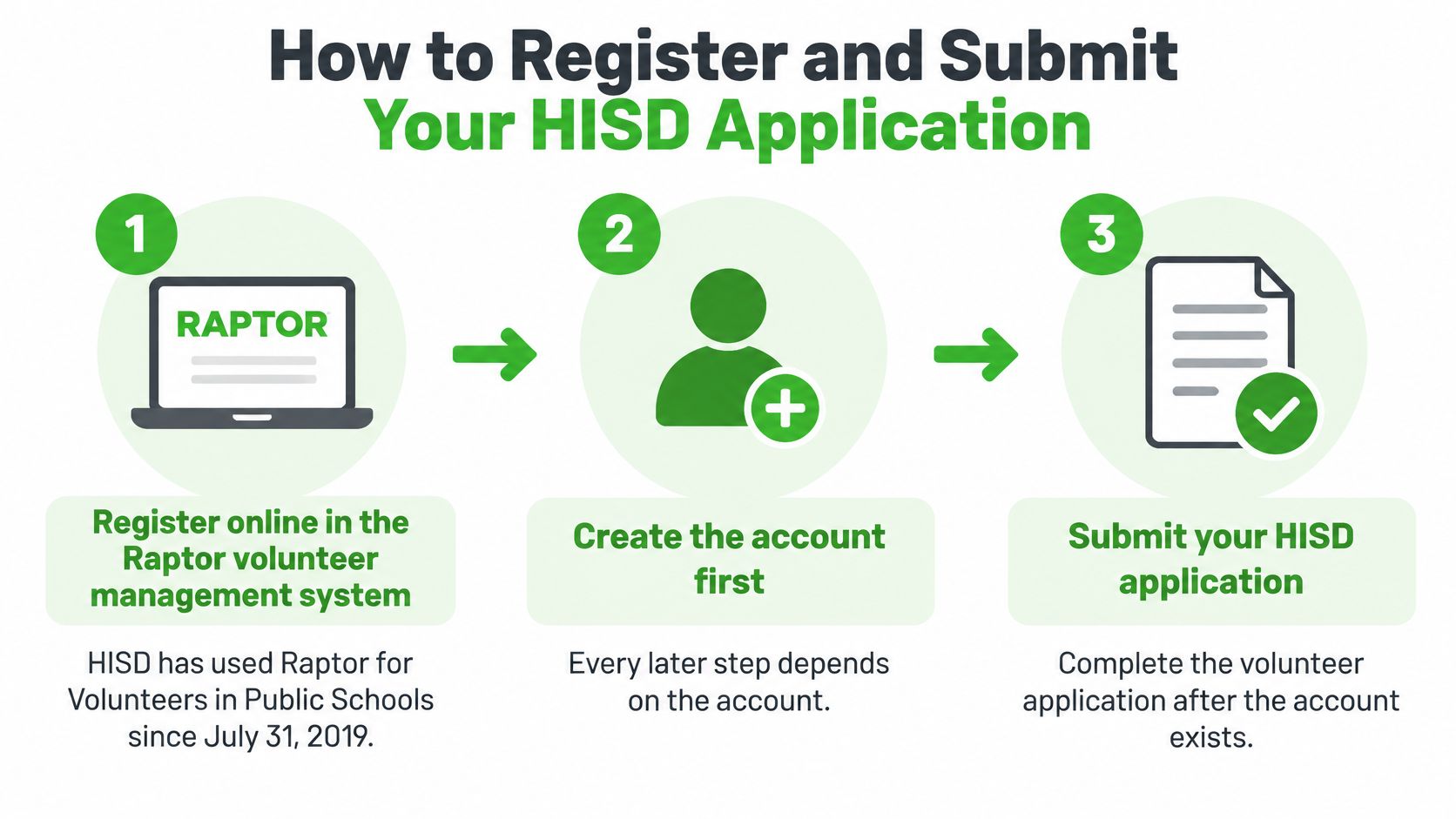
Complete the application in sequence
Register online in Raptor. Start with the district's volunteer registration route and create your account before completing the application. Use an email address you check regularly, because you'll need to receive and retain the district's response.
Complete the application and required orientation. Follow the campus's instructions for completing orientation, and review the application for missing fields before submitting it. If you stop partway through, confirm that you've submitted the file rather than merely saved your progress.
Present an accepted government-issued photo ID. Arrange the campus identity-verification step and ask where and when to present your identification. HISD's volunteer registration guidance lists accepted documents including a Texas or other U.S. state driver's license, official passport, Texas identification card, U.S. military ID, Matricula Consular, another state's identification card, or Resident Alien Card.
Authorize the background check. Complete the screening authorization and agree to the annual check. This consent is a separate requirement, so don't assume that creating an account or showing identification completes it.
Wait for approval before serving. HISD's VIPS application guidance describes the application, orientation, authorization, and approval-email sequence, with approval generally arriving within 2–3 weeks. Save the approval email so you can produce it when the campus checks your eligibility.
Keep a usable application record
A parent needs a small, organized record, not a complicated tracking system. Save the submission confirmation, orientation completion information, identity-verification date, and any message asking you to correct something.
For a coordinator, a roster can distinguish submitted, pending review, approved, and denied. These are useful administrative categories, not a claim that every campus displays those exact labels in Raptor.
Practical rule: A completed application belongs on the screening roster. Only a cleared volunteer belongs on the confirmed assignment roster.
Our school volunteer background-check guide provides broader context for organizing school screening. HISD's own instructions still control the district application.
Begin several weeks before the intended start, especially when a trip or mentoring session can't easily move. Build in time to correct an incomplete file, not just time for the criminal-history search itself.
Approval Timing and How to Clear a Stall
Use the longer published estimate for planning, not the shorter estimate as a promise. HISD materials give conflicting windows of 2–3 weeks and 3–5 business days; the district's volunteer information and coordinator materials also describe third-party processing and results uploaded into VIPS/RAPTOR without clearly reconciling those timelines.
The materials don't establish whether the shorter window begins after campus identity verification, whether demand affects processing, or exactly which office owns every delayed application. A pending file therefore needs a stage check, not a guess about when the clock started.
Find the stage before choosing the fix
Application submitted. You've completed the online registration and forms. Keep the confirmation, but recognize that it shows submission rather than clearance.
Identity verified. The campus has checked your accepted photo ID. Write down when this happened and, for your own follow-up, which campus handled it.
Vendor processing. A third party processes the criminal-history check and uploads the result into the district's volunteer system. An applicant may not be able to see precisely where the file sits during this stage.
District decision and notification. The district determines eligibility, and the volunteer receives the approval communication. If the system status and email don't agree, ask the campus to verify the current decision before assigning the volunteer.
Denial. The person hasn't been cleared to serve. Don't treat a denial as another processing delay or let an event organizer override it.
A general explanation of background-check turnaround time can help distinguish processing from the entire application journey. For HISD scheduling, the important question is which required stage remains unfinished.
Match the delay to an action
HISD volunteer delays, causes and fixes
| Problem | Likely cause | Fix |
|---|---|---|
| File stays pending past the expected window | Vendor processing or campus ID verification may not be complete | Note submission and ID dates, then contact the campus and then the district |
| Volunteer shows up before approval | Pending status treated as approval | Hold all assignments until the status reads Approved |
| Last year's clearance assumed valid | Annual check not repeated for the current school year | Re-register and complete the check again for this year |
| Application returned as incomplete | Missing orientation, authorization or required items | Recheck each required item before resubmitting |
| Volunteer refuses the requested check | Declined the screening | The volunteer may not serve on any HISD campus |
These are troubleshooting possibilities, not findings about a particular application. A pending status alone doesn't tell you whether a record was found, whether identification is missing, or whether someone hasn't completed an administrative step.
Start with the campus office or volunteer contact handling your application. Give them enough information to locate it without sending sensitive identification documents through an unrequested email channel.
- Identify the application: Provide your name, registration email, and intended campus.
- Give the dates: State when you submitted and when your ID was verified.
- Name the deadline: Explain the proposed volunteer assignment and start date.
- Ask a specific question: Is the file complete, which stage remains open, and is any action required from you?
If the campus can't resolve the issue, ask it to identify the appropriate district VIPS contact and escalate with the same summary. This campus-then-district approach is a practical follow-up method, not a published guarantee of expedited review.
An approaching field trip is a reason to follow up, not permission to treat pending as approved.
Suppose a parent has submitted everything but still lacks clearance when the chaperone roster must be finalized. The coordinator should use an already-cleared substitute or leave that assignment unfilled while arranging another approved plan, rather than counting on a last-minute email.
Don't create a duplicate application merely to get attention. Ask whether a correction or resubmission is needed, complete the requested action, and keep the response with your application record.
Texas DPS Search Types for School Volunteers
A private background-check report isn't automatically the state check a school needs. The district must match the screening method to the volunteer's legal category and assignment, rather than treating every report as interchangeable.
The document review should support that decision, not replace it.

The Texas DPS school criminal-history reference guide provides for a name-based DPS Secure Site search for volunteers rather than automatically requiring a national fingerprint-based FAST check, and specifies a volunteer form when national fingerprint review is performed. It also identifies exceptions involving qualifying family volunteers, people accompanied by district employees, and single-event volunteers.
Match the method to the assignment
Texas search methods for school volunteers
| Search type | When it applies | Form or method |
|---|---|---|
| DPS name-based Secure Site search | Name-based criminal-history check under the DPS reference guide | DPS Secure Site name-based search |
| Fingerprint-based national FAST check | When a national fingerprint review is performed | Volunteer-specific FAST form |
| Private vendor result alone | Not enough on its own under Texas school guidance | Add the DPS name-based step |
For a parent or mentor applying to HISD, the practical path remains the district's Raptor process. Don't book a separate fingerprint appointment or purchase an outside report unless the campus directs you to do so.
For coordinators, the compliance concern is accepting a vendor printout without checking whether the required DPS step is present. Our state background-check guide offers additional context, but the district must determine the applicable method.
Keep the volunteer's role, campus access, supervision level, event duration, student relationship, search type, authorization, screening date, and final disposition together. If the campus confirms an exception, retain that confirmation with the record instead of labeling the person cleared by a search that wasn't performed.
The following video is supplementary to the district's written application instructions.
Decide If This Volunteer Can Start
Make the decision for one named volunteer and one planned first day. A general statement that the group has completed paperwork isn't enough to establish that every person on the roster can participate.
Use the current Raptor status or approval email, with campus verification if anything is unclear. The checklist keeps the decision focused on the person who will arrive.
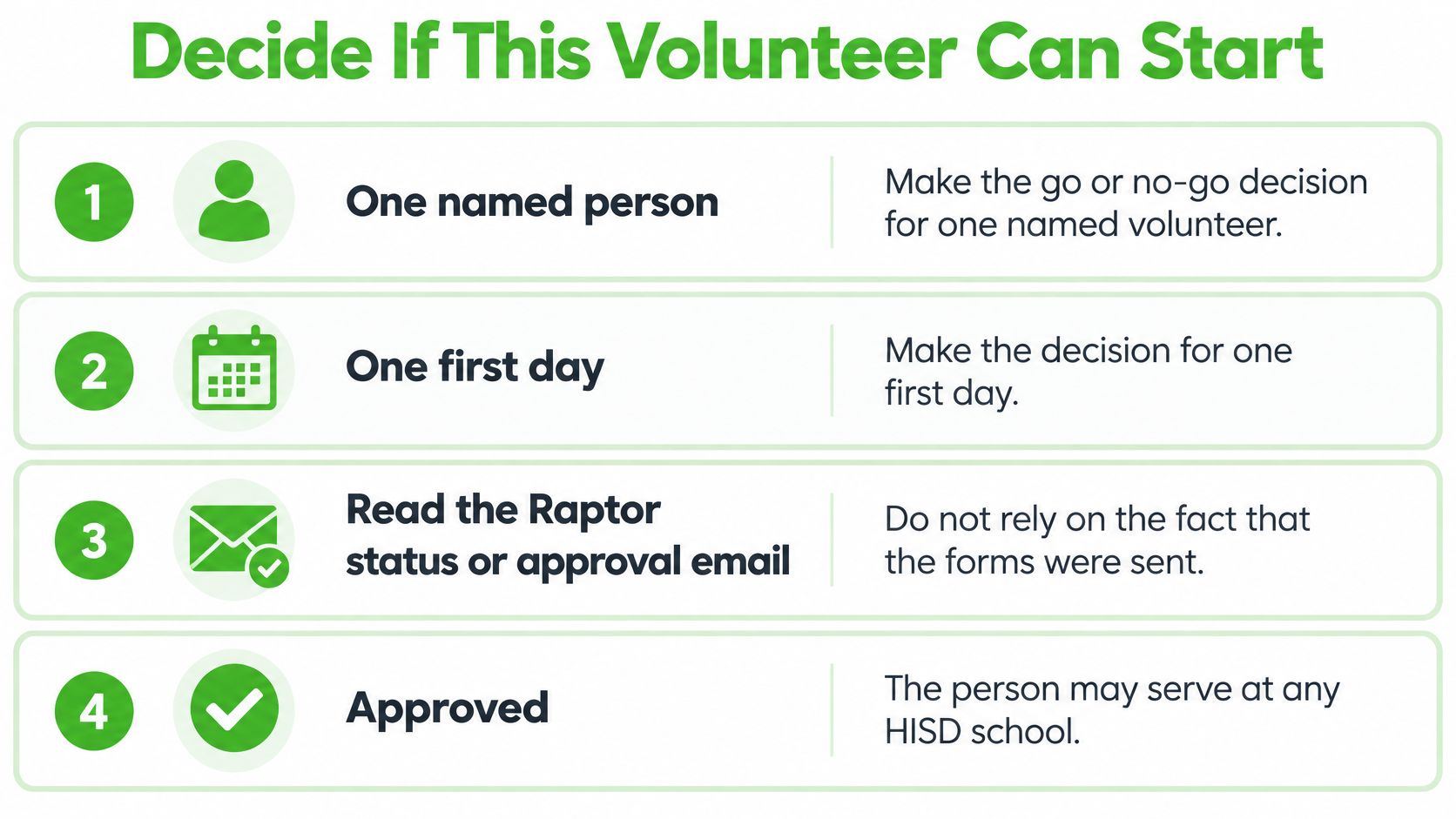
Make the start decision explicit
- Yes, cleared for this year: Confirm that the approval belongs to this volunteer and applies to the current academic year. District-wide eligibility doesn't eliminate campus arrival or assignment instructions.
- Yes, campus-confirmed exception: Keep the campus's confirmation for the specific role and circumstances. Don't extend it to a different assignment without checking.
- No, still unresolved: Pending, incomplete, or unverified status means the coordinator should hold the assignment. A missing email should prompt a status check, not an assumption either way.
- No, denied or screening refused: Don't place the person on an HISD volunteer assignment.
If clearance isn't confirmed by the scheduling deadline, move the start date or use someone already eligible. Name the unfinished stage and the person responsible for following up, then set a tentative replacement date with enough room for completion and review.
Start-day test: Can the campus verify this person's eligibility for this assignment today?
Contact your campus volunteer coordinator with your application and ID-verification dates before finalizing your plans. The answer for the planned date is yes only with verified approval or a confirmed applicable exception. Otherwise, it's no until the campus resolves eligibility.
At VolunteerBadge, we offer volunteer screening with built-in FCRA disclosures, digital authorization, and a free address-history check with every application. Visit VolunteerBadge to organize your organization's screening process, while keeping HISD's Raptor application and district approval as separate requirements for campus service.
